Try the nowrun demo in ChatGPT.
nowrun lets your app run inside ChatGPT conversations.
For this demo, we'll add the nowrun demo plugin to ChatGPT, then use the plugin to open apps right in the chat.
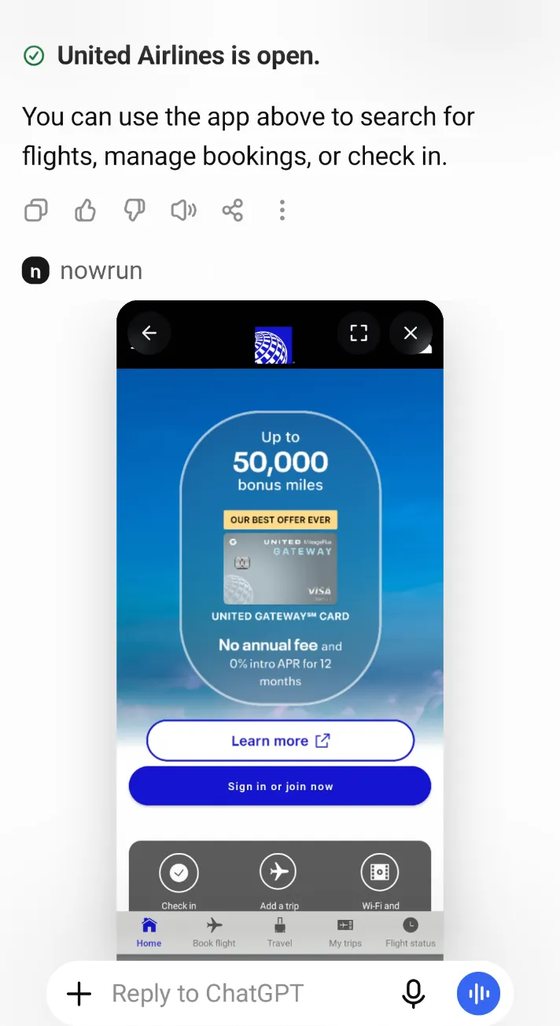
Play games like Gacha Club, shop on StockX, book flights with United Airlines, and explore many more apps via nowrun, all without leaving ChatGPT.
Part 1
Add the nowrun plugin
ChatGPT custom plugins can only be added on Desktop, so please do this on a PC or MAC.
Once set up, the plugin can be used across all devices with ChatGPT.
- Start adding nowrun MCP
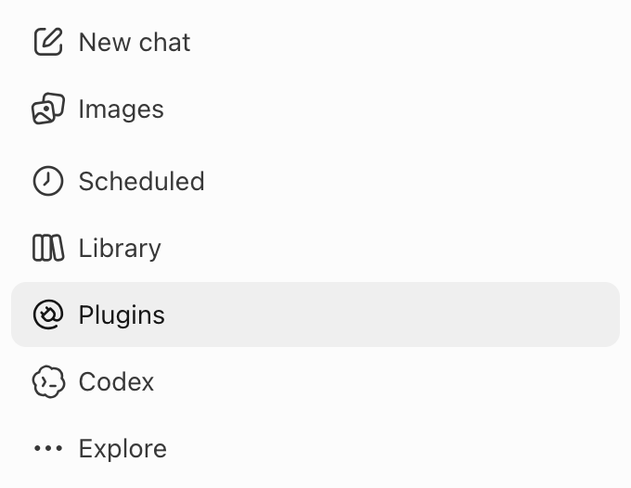
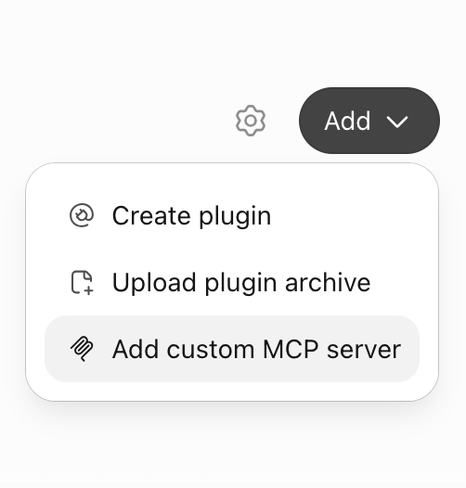
Go to chatgpt.com and sign in. Open Plugins, click Add (top right), then Add custom MCP server.
- Add the MCP link
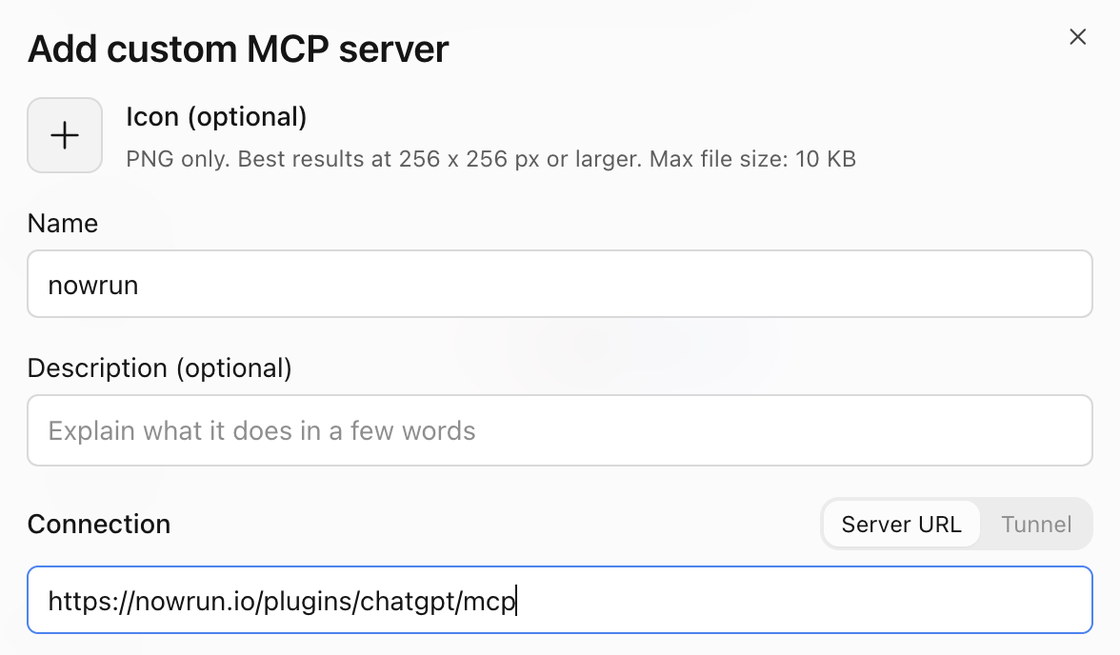
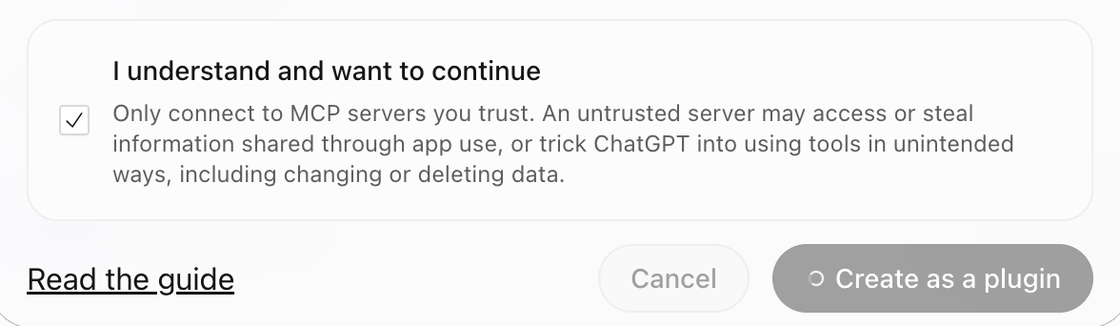
Name it nowrun. Paste this link in the Server URL box. Accept the warning and click Create.
- Connect with nowrun
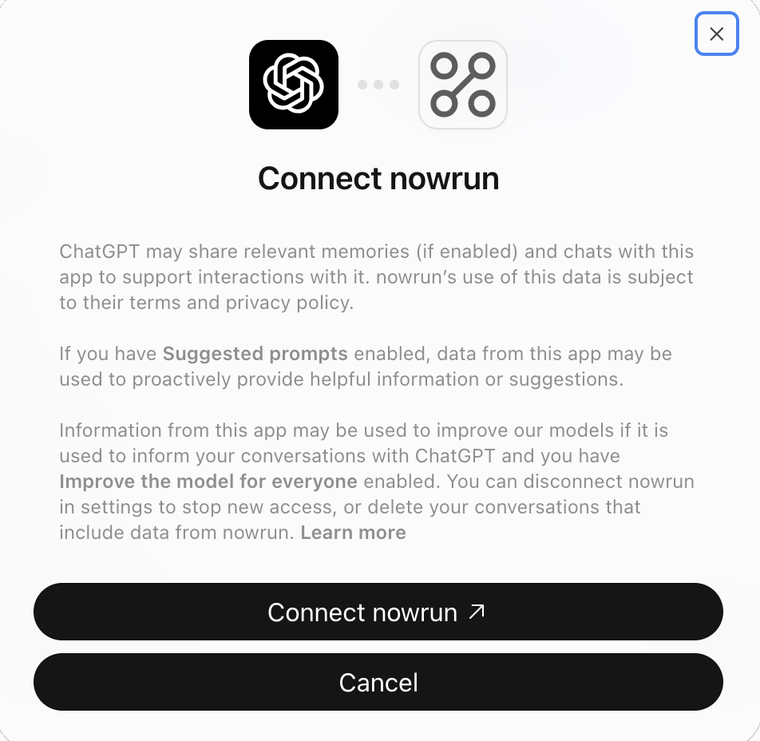
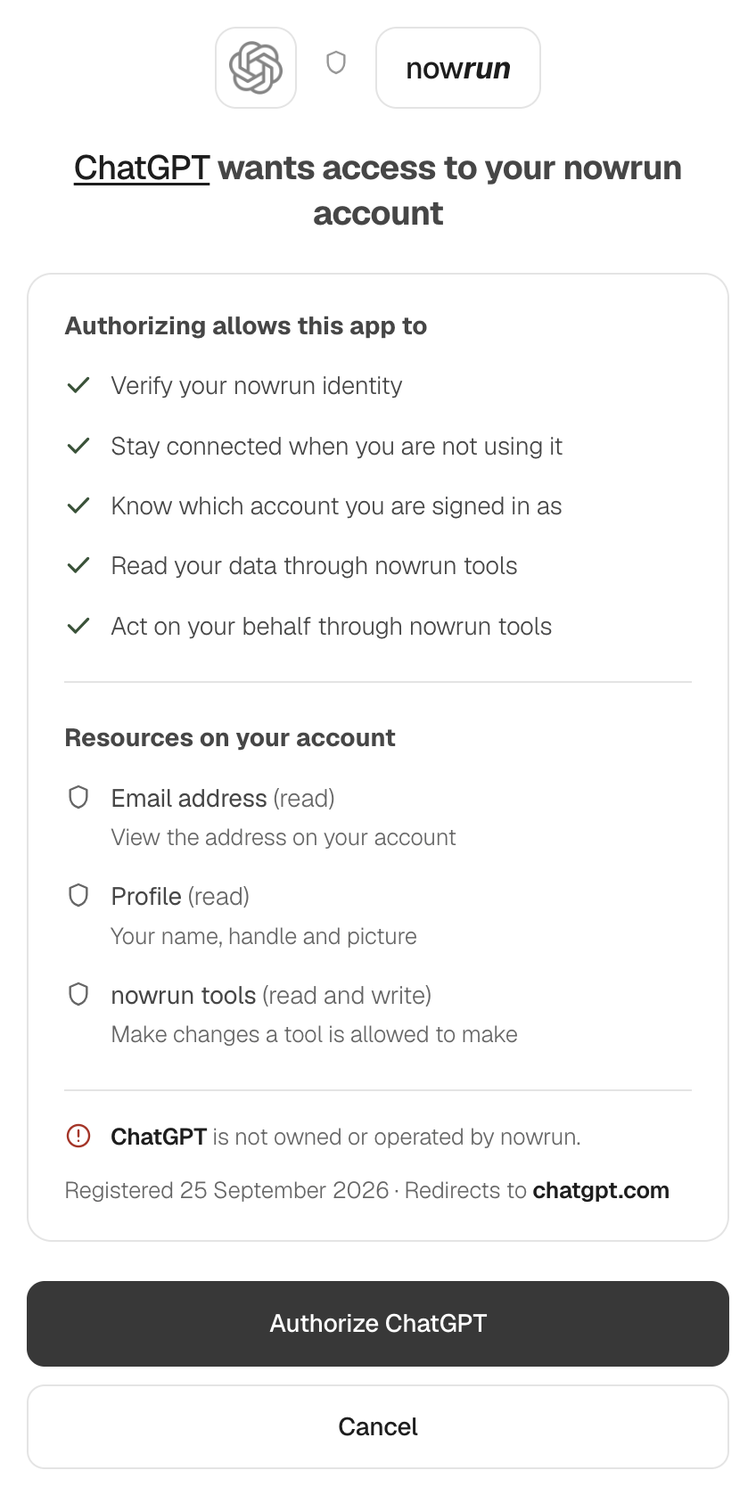
ChatGPT shows a Connect nowrun button. Click it and sign in to nowrun. You'll come straight back to ChatGPT.
Part 2
Use the nowrun plugin on any device with ChatGPT
Any device. Once it's set up, @nowrun works anywhere you use ChatGPT, including the phone app.
- Try it in a new chat
Type @nowrun and ask for an app.

Click Open Gacha Club on the card that appears. If it shows Search and install, click that first. The game runs right there in the chat.
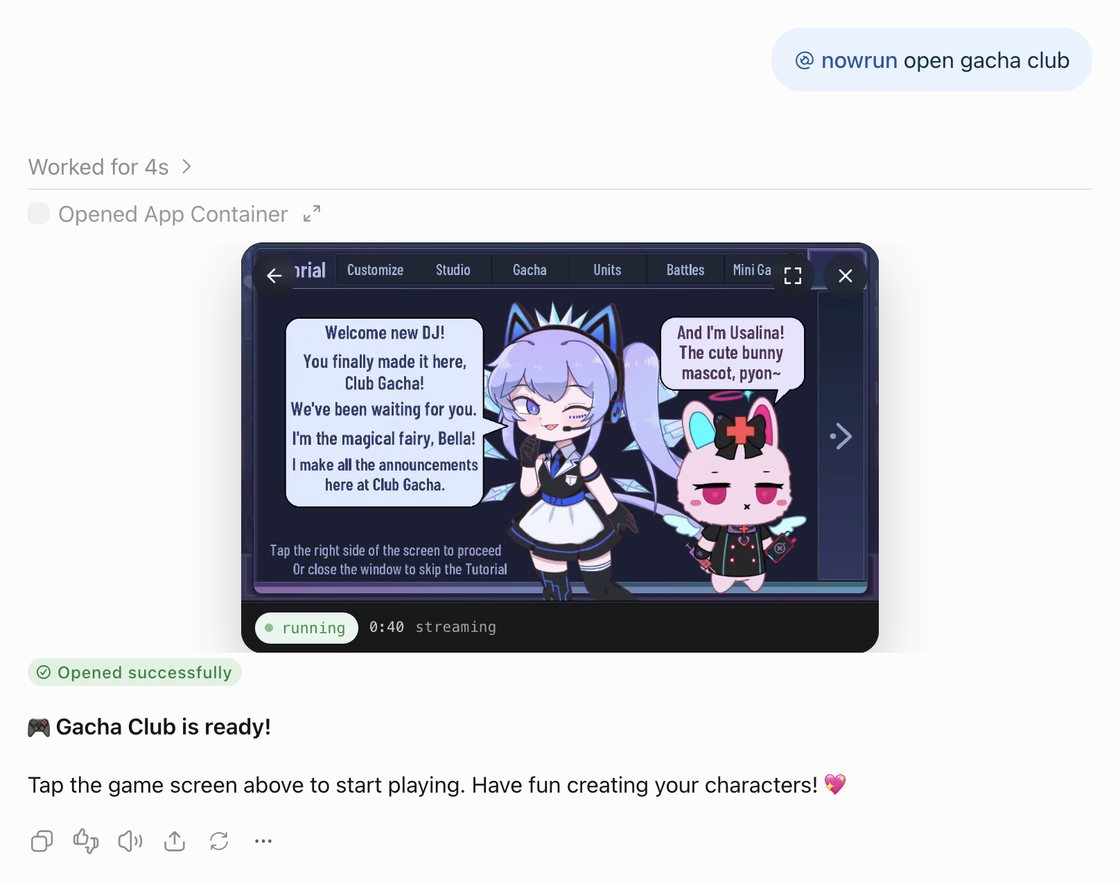
You can also try other apps, like StockX and United Airlines via nowrun on ChatGPT.
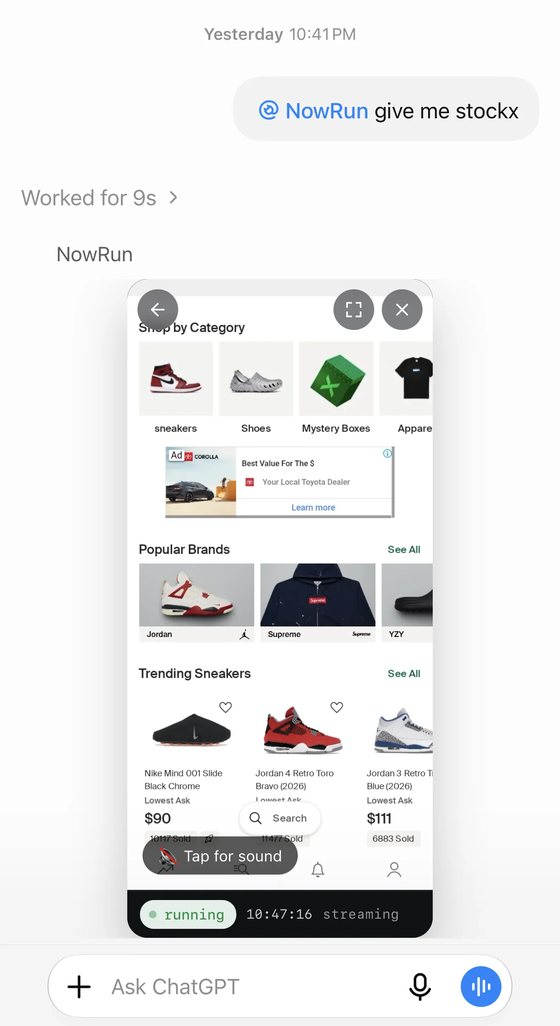
Prefer to watch? Here's the video tutorial.
Want your own app in ChatGPT?
It works the same way, with a link for your app.